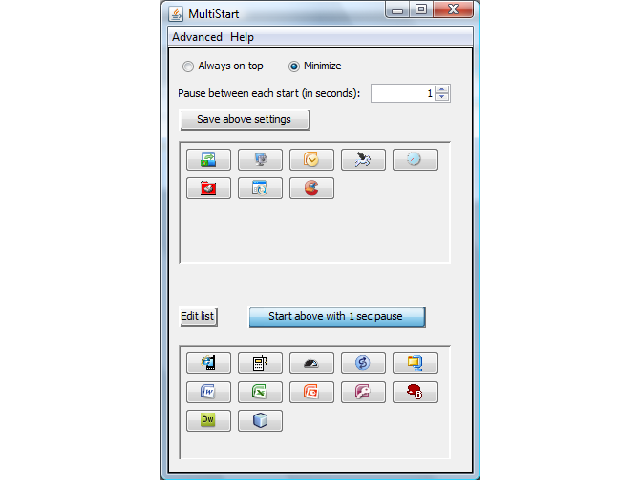
When you start your PC, you seem to wait forever. There are so many programs that are started. Some of these are started because you want them to – by placing a link to them in the Startup folder on the Start menu. But sometimes you just want to load only a few essential programs, at other times you want the whole package. Such conditions cannot be specified in the Startup folder.
Place the programs that you sometimes want to start with the PC and sometimes not, in a list. MultiStart will then start these programs with a single click – if you want to – or leave them unstarted if that’s what you prefer this time. MultiStart will help you edit the list and will show them as buttons on its form. You can click once to start many, or click one button at a time to start only the one associated with that button. If you want to, you can add parameters, so that for instance your net browser is started with a specific web page. You can specify an interval between each program start (actually this can be quicker).
MultiStart is Free/Libre Open Source Software (FLOSS or FOSS- see Wikipedia). It is guaranteed to remain free through its GNU GPLv3 license. This means that you can download the complete source code (Java), change it and freely distribute it - in changed or original form - as much as you like (providing only that you do so with the same license).